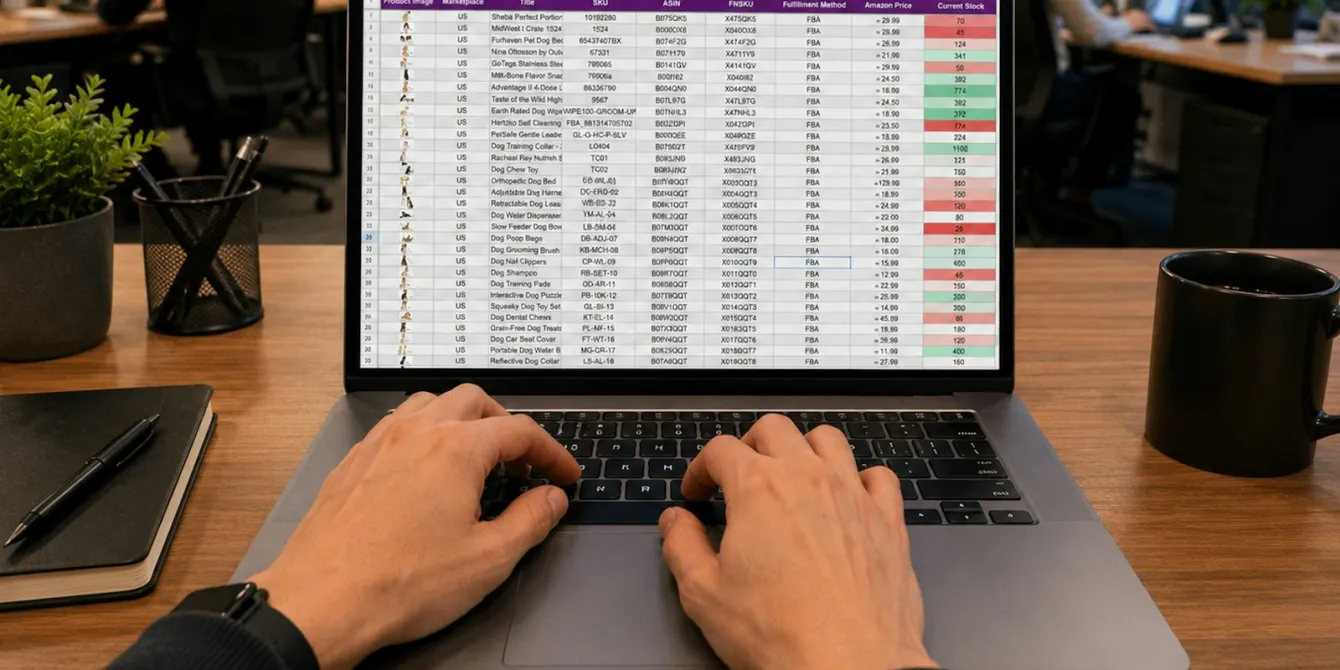

To be fair, a spreadsheet is a decent tool. It's free, everyone on the team can use it, and for a school with thirty students it is often enough. The problems start later, and quietly.
What the real difference is
A spreadsheet stores data. A school CRM also acts on it: it reminds, calculates, warns and produces documents.
| Task | Spreadsheet | School CRM |
|---|---|---|
| New enquiry | Someone has to type it in | Arrives by itself from the website and messengers |
| Late payment | Someone has to notice and message the family | The reminder goes out automatically |
| Contract | Copying data into Word | Built from the student record |
| Who changed what | Hard to trace; deleting a row by mistake is easy | Roles, permissions and an activity log |
| Parent wants to see grades | An email or message by hand | Parent portal |
| Report for the director | Pulled together from several files | Live dashboard |
5 signs spreadsheets are no longer coping
- There is more than one file. Students in one sheet, payments in another, timetable in a third. The data drifts apart and nobody knows which version is right.
- Everything depends on one person. The admin is off sick and nobody can tell who has paid.
- Debts are found by accident. A family that hasn't paid for three months turns up in the end-of-term reconciliation. We explain how to avoid that in our article on payment schedules and automatic reminders.
- The director asks for a report and waits a day. If stats are compiled by hand, they get looked at once a quarter, while decisions are needed every week.
- Students from different countries. Two document languages, several currencies, different time zones. A spreadsheet was not built for that (more in our article on bilingual documents).
What won't help
A generic sales CRM won't help. It knows about "deals" but not about students, classes, attendance and report cards. The school ends up paying for a system and still running half its work in spreadsheets.
Switching "over a weekend" won't help either. Data has to be migrated and checked, and the team has to be trained. Otherwise everyone is back to the old files within a month.
How to switch without pain
- Map the student journey: enquiry, introduction, contract, payments, learning.
- Migrate the data and check it against reality once.
- Launch what hurts most first. Usually that is enquiries (see 7 places schools lose enquiries) and payments.
- During the switch, keep someone close who answers the team's questions.
We went through this in our own school, so we build the rollout exactly like that: data migration, training and three months alongside your team.
Compare for yourself. We'll show you the system our school runs on every day: enquiries, contracts, payments and the director's dashboard. Rollout from 2 999 €, subscription from 199 € a month. See the system live →
Frequently asked questions
How is a school CRM different from a regular CRM?
A regular CRM is built for sales and deals. A school CRM knows about students, parents, classes, timetables, attendance, contract payments and report cards.
How long does moving off spreadsheets take?
Our rollout takes three months: launch and data migration, adjustments to your processes, and a month in which the team already works on its own.
Can old data be migrated from Excel?
Yes. Migrating students, contracts and payments from spreadsheets is part of the rollout, and the data is then checked together with your staff.